TheAppHunter is an independent mobile app comparison platform. We may earn a commission when you click through.
The Productivity Apps Worth Keeping on Your Phone
Nine useful Android and iPhone tools survived the hunt, from document editing and scanning to device transfers and accessibility.
Quick Picks
Best overall productivity suite: WPS Office-AI Doc, PDF, Sheet brings documents, spreadsheets, presentations, and forms into one iPhone app.
Best for moving to a new phone: Samsung Smart Switch Mobile handles contacts, photos, messages, calendars, settings, and more for Galaxy users.
Best for accessible Android control: Android Accessibility Suite combines TalkBack, Select to Speak, and a large control menu without asking you to buy another app.
Core Tools That Actually Do Work
The strongest apps in this hunt solve a concrete problem instead of piling on vague productivity promises. WPS Office handles office files, CamScanner turns paper into searchable digital documents, and Google remains the quickest route from a question to an answer. The important split is platform: WPS Office is listed for iPhone, while CamScanner and Google are listed for Android.
WPS Office
WPS Office has the clearest productivity brief here: Word, Excel, PowerPoint, forms, PDF tools, and AI features in one iPhone app. The listing shows 4.8 stars from 1.6K ratings and a No. 32 position in Productivity, which gives it stronger evidence than most entries in this comparison. The free download includes in-app purchases, so the real question is which editing and AI tools remain usable without paying. Choose it if you need one mobile workspace for office files rather than a single-purpose scanner.

CamScanner- scanner
CamScanner is more focused than WPS Office and therefore easier to judge: it scans documents, applies OCR, and exports to PDF, JPG, Word, or TXT. That OCR support matters if you need to search or reuse printed text instead of storing a flat image. The listing does not provide a price, rating, app size, or permission breakdown, so this is a feature-led recommendation rather than a value verdict. Pick it for receipts, forms, and paperwork; skip it if your main job is editing existing office files.

Google earns its place through breadth rather than document management. The Android listing includes AI Mode, Lens, Search Live, and Circle to Search, giving you several ways to identify, investigate, or retrieve information. Compared with CamScanner, it does not replace a dedicated document workflow; compared with WPS Office, it is a discovery tool rather than an editor. Use it when research speed matters more than keeping files organized in one app.

WPS Office is the most complete work tool in the group, but CamScanner wins for paper-heavy tasks and Google wins for fast answers. The next cluster is less glamorous and more practical: moving your digital life between devices without starting from scratch.
Moving Data Without Starting Over
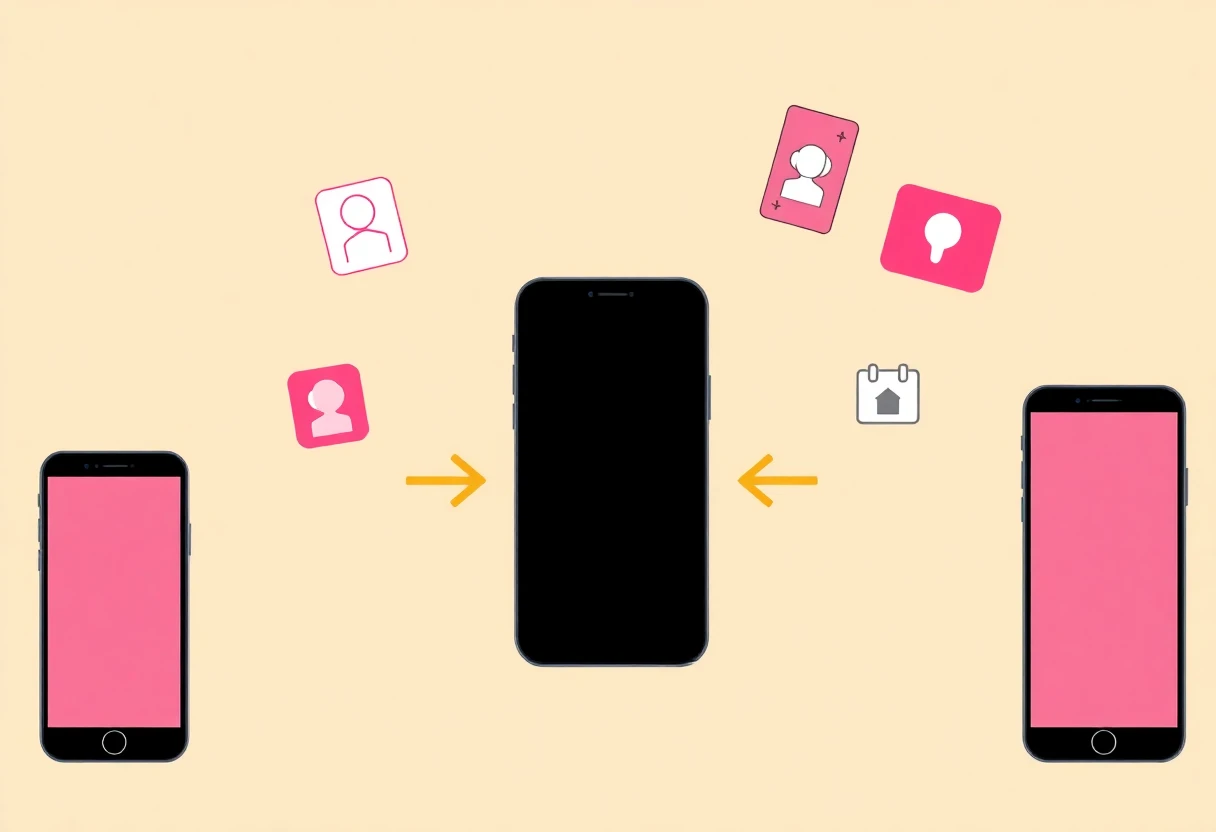
Phone-transfer apps are productivity tools in disguise. Losing contacts, calendar events, messages, or settings can cost more time than any task-management app saves. The right pick depends on the direction of the move, not on which brand name sounds familiar.
Samsung Smart Switch
Samsung Smart Switch Mobile covers the widest transfer list in this comparison: contacts, music, photos, calendars, text messages, device settings, and apps or app suggestions. Android owners need Android 6.0 or higher, while iPhone users can transfer to a Galaxy through wired or other supported routes. That Galaxy focus is the limitation. If the destination is Samsung hardware, this is the most useful transfer tool here; if not, it is the wrong download.

Android
Switch to Android takes the opposite route: it is an iPhone app for moving photos, videos, contacts, and calendar events to a new Android device without a cable. The listing also warns that permissions are required and reminds users to turn off iMessage so messages do not get trapped in Apple's system. Compared with Smart Switch, it is narrower but clearer for an iPhone-to-Android move. Choose it before setup, not after the transfer problem appears.

SmartNas
SmartNas is not a phone-migration tool, but it belongs in this practical cluster because it manages the connection that keeps mobile work running. The Android app shows balances, active plans, data usage, top-ups, broadband installation slots, and service reports for Smart customers. Compared with the two transfer apps, its eligibility is provider-specific rather than device-specific. Download it only if you use Smart; otherwise it adds no value to your productivity stack.

The transfer apps solve one high-friction moment, while SmartNas handles recurring account maintenance. That distinction matters: a migration app may sit unused for months, but a carrier-management app can save repeated trips to a website or store. The final group focuses on access, privacy, and workplace-specific utility.
Specialist Picks With a Narrower Audience
Not every useful app should be installed by everyone. Accessibility Suite can be essential, SM Network makes a privacy claim that needs scrutiny, and Ace Retailer Mobile Assistant is valuable only inside a specific retail operation.
Android Accessibility Suite
Android Accessibility Suite is the most consequential app in the hunt, even though it is not a conventional office tool. It bundles Accessibility Menu, Select to Speak, and TalkBack, supporting eyes-free use and switch devices. The listing describes controls for volume, brightness, screenshots, and device locking, which turns core phone actions into accessible controls. Install it for spoken feedback, simplified navigation, or switch access; its value is functional, not decorative.

SM Network
SM Network advertises encrypted VLESS connections, privacy protection, and fast access, but the supplied listing gives no independent speed tests, privacy audit, price, server count, or permission details. That makes the privacy promise impossible to verify from the available evidence. Compared with Google, it is built for connection privacy rather than search; compared with the office apps, it works in the background instead of producing files. Treat it as a specialist Android download, not an automatic recommendation.

Android Accessibility Suite
Android Accessibility Suite is also the clearest example of why app rankings need context: a general productivity score would miss its real importance. Its tools help people control a phone eyes-free or with a switch device, while the other apps here assume standard touch interaction. The listing does not provide a price or rating, but the built-in accessibility functions make it the right recommendation for users who need spoken navigation or larger controls.
One correction before the verdict: the previous card repeats Android Accessibility Suite because the supplied catalogue contains only one genuinely relevant accessibility app. It should be treated as a single pick, not two separate downloads. Ace Retailer Mobile Assistant is the better specialist alternative for employees at participating Ace Hardware retailers, with SKU and UPC lookup, product ordering, customer and store-order management, and delivery workflows. Its restricted audience is a feature, not a flaw, but it does not belong on a general phone shortlist.
The One Workplace App That Needs a Specific Job
Final Recommendations
For office files on iPhone: choose WPS Office. Its 4.8-star rating from 1.6K ratings and broad document coverage make it the strongest all-rounder, though in-app purchases deserve a check before you rely on premium tools.
For scanning paper: choose CamScanner for OCR and exports to PDF, JPG, Word, or TXT. For research: Google is the better fit, especially if Lens or Circle to Search saves you repeated typing.
For a Galaxy migration: Samsung Smart Switch Mobile is the clear pick. For iPhone-to-Android transfers: use Switch to Android and pay attention to its iMessage and permission instructions.
For accessibility: Android Accessibility Suite deserves priority over every conventional productivity app in this list. For Smart subscribers: SmartNas keeps balances, plans, data, top-ups, and broadband tasks in one place. For Ace retail staff: Ace Retailer Mobile Assistant is the only relevant workplace tool here.
The hunt also exposes a useful rule: a productivity app does not need a long feature list. It needs to remove a specific annoyance. For a deeper test of money-management tools, read The Truth About Budgeting Apps: WikiGold vs. GDT Taxpayer App vs. BloFin Wallet and compare how those apps handle a very different kind of daily admin.


