TheAppHunter is an independent mobile app comparison platform. We may earn a commission when you click through.
The Budgeting Apps That Actually Track Your Money
Six useful finance apps made the cut, from a no-ads expense tracker to digital wallets built for everyday payments and bills.
Quick Picks
Best overall: Budget & Expense Tracker Monee for private, ad-free expense logging.
Best for digital payments: GoPay for transfers, QRIS payments, and everyday spending.
Best for detailed reports: Daily Expenses 4 for cloud-synced records across devices.
I hunted through the list expecting a conventional budgeting winner. Instead, the strongest find is the least flashy app: Monee tracks income and expenses without registration, ads, or tracking. Several other entries are payment wallets or investment tools rather than true budget planners, so they belong in the comparison only when their money-management features add something useful.

Track Spending Without the Clutter
The best budgeting tools in this group do one job and avoid turning it into a sales funnel. That matters: a spending log should not require a financial account, a social graph, or a subscription before it becomes useful.
Monee
Monee is the strongest budgeting pick here because the core workflow is refreshingly small: enter an amount, choose a category, and add an optional note. The listing confirms no registration, no ads, no tracking, and no subscription. That privacy-first setup beats wallet apps such as GoPay and DANA for people who want a personal record rather than another payment ecosystem. The limitation is just as obvious: there is no evidence of bank syncing, automated categorization, or cloud backup, so you will be entering transactions manually. Best for a privacy-conscious Android user who wants a free daily spending log and can live without automatic imports.

Daily Expenses
Daily Expenses 4 goes further than Monee on reporting and device continuity. Its listing promises daily, weekly, monthly, and yearly reports, plus cloud storage to synchronize records across devices. That makes it the better pick for someone who reviews spending at the end of each month instead of simply recording purchases as they happen. The trade-off is less transparent pricing: the description mentions a subscription but gives no amount, while Monee explicitly positions itself as free. Support is available to subscribers and non-subscribers, which is a useful detail missing from most minimalist trackers. Best for an Android user who needs historical reports and cloud synchronization, not just a quick expense diary.

Monee wins on restraint; Daily Expenses 4 wins on continuity. Neither listing confirms bank connections, so both remain manual trackers rather than full financial dashboards. That is not a flaw for everyone, but it changes the recommendation: choose Monee for privacy and simplicity, Daily Expenses 4 for reports and multi-device access.
Hem BackOffice
Hem BackOffice is not a household budgeting app, and calling it one would be misleading. Its description is focused on account access, ledgers, financial statements, and information connected to Hem Finlease Private Limited, including NSE, BSE, and MCX membership details. That makes it relevant only for an existing member who needs a compact view of brokerage or finance records. Compared with Monee, it offers more formal account information but far less evidence of everyday expense planning. The listing also does not provide a price, privacy summary, or clear consumer budgeting workflow. Best for an existing Hem Finlease customer who needs account and ledger access on Android, not for someone starting a household budget.

Gold Price Live
Gold Price Live belongs in the money-management conversation only as a market-monitoring companion. The iOS listing describes live gold and silver charts in national currencies, updates every minute, financial news, and support for up to 10 languages. It does not track groceries, rent, bills, or cash flow, so it cannot replace Monee or Daily Expenses 4. Still, someone who allocates part of a portfolio to precious metals may find the frequent price updates useful when checking the value of an asset. Best for an iPhone user monitoring gold and silver prices who already has a separate tool for personal budgeting.

Gold Live
Gold Live! takes the same narrow route as Gold Price Live but adds a stronger information layer. Its listing cites market quotes, charts, precious-metals news, expert opinions, customizable widgets, and alerts, along with an average user rating of 4.5 stars. Those widgets and alerts give it an edge over Gold Price Live for an iPhone user who wants prices visible without opening the app. The downside is scope: these are investment-watch apps, not spending planners, and neither listing supplies budgeting categories or income tracking. Best for an iOS precious-metals follower who values alerts and widgets more than household expense tools.

DANA Indonesia Digital Wallet
DANA is a broad digital wallet rather than a dedicated budget tracker, but its listed feature set is practical: QRIS payments, transfers to banks or other DANA users, bill payments, game top-ups, and DANA+ savings. It gives you more ways to move money than Monee, yet that convenience can make spending harder to audit because the app is built around transactions, not reflection. The listing says millions of users in Indonesia rely on it, but it does not provide a subscription price or explain which features are free. Best for an Android user in Indonesia who wants payments, bills, transfers, and savings tools in one wallet and does not need category-based budgeting.

The middle of this group is where the category gets blurry. Hem BackOffice and the two gold apps help monitor financial assets, while DANA helps move money; none replaces a proper expense tracker. If your goal is to answer “Where did my money go this month?”, Monee and Daily Expenses 4 remain the more direct answers.
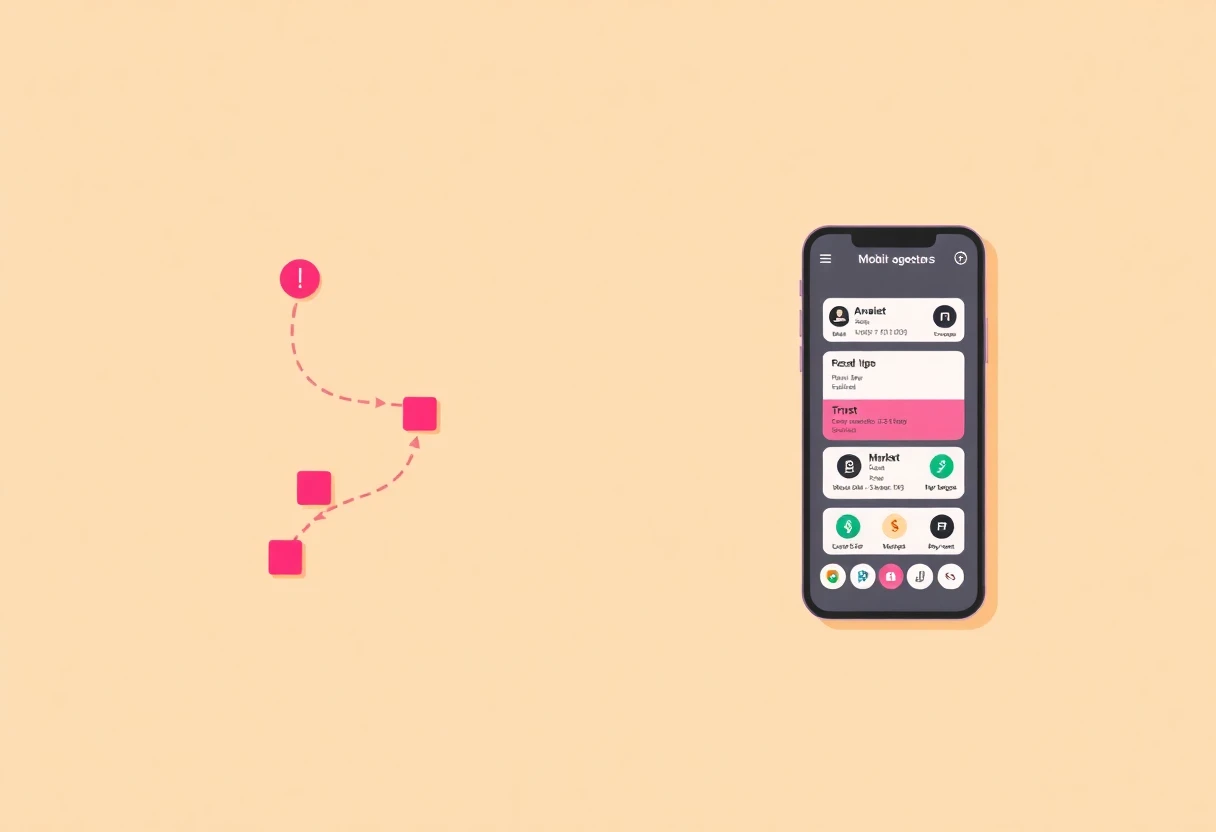
Payment Wallets and Business Tools
Payment apps can support a budget, but they rarely explain one. They are useful when your spending flows through them; they are weaker when your money is spread across cash, cards, and multiple bank accounts.
GoPay
GoPay is more payment hub than budget planner, with transfers, payments, and QRIS at its center. That makes it a direct rival to DANA for everyday digital spending, but the supplied listing does not show expense categories, monthly reports, or a clear budgeting dashboard. Its value depends on how much of your spending already happens through the GoPay ecosystem. The practical insight is easy to miss: a wallet can make payments faster while giving you less visibility across money held elsewhere. Best for an Android user who pays through QRIS and transfers frequently, with a separate tracker handling the monthly budget.

Piaxis
Piaxis targets merchants rather than households. Its description covers payment acceptance, branch management, shifts, inventory, staff, and escrow-backed deals, with customers scanning and paying from their own phones without a POS terminal. That is substantially more operational depth than GoPay or DANA, but it is the wrong tool for tracking personal groceries or rent. A small retailer could use its dashboard to understand business cash flow, while a household budgeter would only add unnecessary complexity. Best for a small business owner managing multiple branches, staff, inventory, and mobile payments from Android.

GoPay and DANA make sense as transaction tools; Piaxis makes sense behind a shop counter. None gives the same clean personal-budget experience as Monee, and the listings do not provide enough pricing or privacy detail to rank them on value. The hunt is clearer once the use case is honest: track spending with a tracker, pay bills with a wallet, and manage sales with a business platform.
My Final Picks
Pick Monee if you want a free Android expense tracker with no registration, ads, or tracking. It is the most focused app in the group and the one I would start with for a simple personal budget.
Pick Daily Expenses 4 if cloud synchronization and daily-to-yearly reports matter more than a clearly free model. Confirm the subscription terms before committing, since the supplied listing names a subscription without stating its price.
Pick DANA or GoPay when the real problem is paying bills, transferring money, or using QRIS. They are wallets, not full budgeting systems. Pick Hem BackOffice, Gold Live!, or Gold Price Live only for their narrower account or market-monitoring jobs. Piaxis belongs with merchants, not household budgets.
The surprising result is that the least ambitious app is the most convincing. Monee does not promise to run your financial life; it simply records what you spend and leaves the data alone. For a deeper comparison of manual trackers and full budgeting tools, read Budgeting Apps vs Money Trackers: Which Actually Helps?.


