TheAppHunter is an independent mobile app comparison platform. We may earn a commission when you click through.
Only Red vs Nytrix: Which Gaming Booster Helps More?
Only Red focuses on aim settings, while Nytrix targets device performance. Here is what each app can realistically improve on iPhone.
You are choosing between an aim-tuning utility and a broader performance booster. Only Red targets sensitivity, DPI, and graphics settings; Nytrix promises one-tap optimisation, RAM cleanup, FPS improvements, ping stability, and cooling detection. The important distinction is simple: neither app can upgrade your phone's hardware or guarantee better network performance. They can only help you organise or adjust settings your device and game already support.
Only Red is the sharper pick for players who want control over aim configuration. Nytrix makes more sense if overheating, background processes, or inconsistent performance are the bigger problem. The App Store listings also reveal a gap in evidence: XY Game Booster has 274 ratings at 4.3, while InkBlox has 21 ratings at 4.8; the performance tools in this comparison do not provide equally useful rating data in the supplied listings.
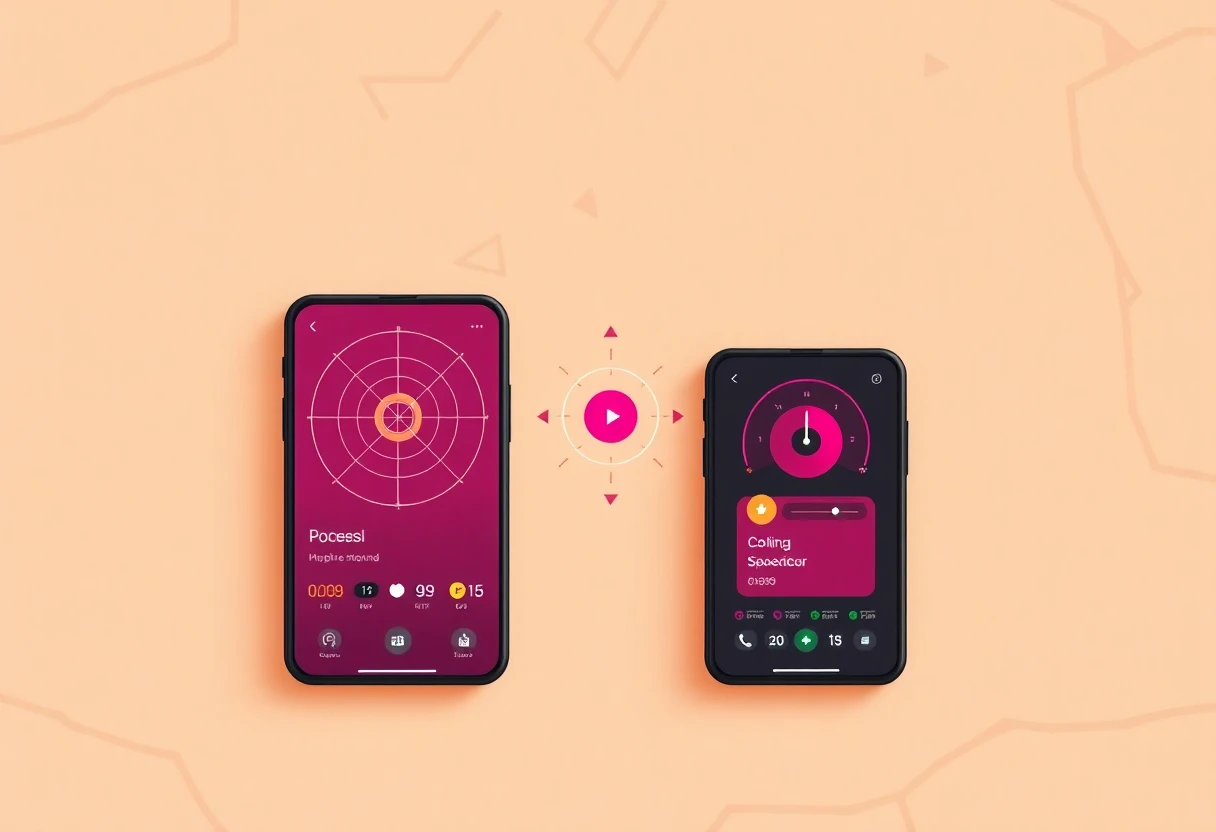
Settings control versus one-tap performance
The first group is for players who want to understand what they are changing. These apps are closer to configuration companions than magic performance switches. Check the game's own rules before entering any values, and avoid tools that claim to bypass restrictions or alter protected game files.
Only Red - Headshot & GFX Tool
Only Red is the more focused tool: its listing centres on GFX settings, sensitivity configurations, DPI calibration, and device-specific tuning for headshot-focused play. That makes it more useful than a generic booster when your problem is inconsistent aim rather than frame drops. The limitation is equally obvious: the supplied listing does not show a price, rating count, Android availability, app size, or permission details, so the value case is impossible to verify. Best for an iPhone player who already knows which shooter settings need adjustment and wants presets rather than a vague performance promise.

GFX Tool
GFX Tool - Game Booster takes a more transparent approach than Only Red. It lets you choose resolution, FPS, graphics quality, style, and shadows, then saves those choices as a preset; crucially, the listing says it only shows values to enter in the game's own settings and does not modify the game. That restraint is a positive sign, but it also means the app cannot directly force a higher frame rate. Best for iPhone users who want a repeatable graphics checklist and prefer clear limits over claims of automatic optimisation.

XY Game Booster
XY Game Booster has the strongest visible review footprint in this group, with 274 ratings and a 4.3 score on the Singapore App Store. Its subtitle calls it a game network optimisation tool, so it is aimed more at connection stability than sensitivity tuning or graphics presets. That makes it a different kind of companion, not a direct replacement for Only Red. The missing detail is what the network tool actually changes, and the listing supplied here does not provide app size, permissions, or pricing. Best for an iPad user who wants to test a network-focused utility and values a larger rating sample.

Stumble Guys
Stumble Guys is the outlier: it is a full multiplayer game from Scopely, not a companion utility. It belongs in a gaming-app hunt because it gives you something to play, but it cannot tune sensitivity, reduce ping, or manage device performance. The Google Play listing identifies the developer, while the supplied extract does not include an install count, rating, app size, or pricing details. Best for players who want a casual multiplayer game itself, not for anyone trying to optimise another title.

Block Launcher Squares
1 Block Launcher Squares is another mismatch for a serious companion-app shortlist. The App Store listing labels it Strategy, marks it Free with in-app purchases, and shows one rating at 5.0. A single rating tells you almost nothing about reliability, and the title suggests a small standalone game rather than a tool for graphics, network, or control settings. Best for someone browsing lightweight strategy games, not for competitive mobile players hunting performance utilities.

AI Skin Maker for Roblox
AI Skin Maker for Roblox shifts the focus from performance to avatar customisation. It is Free with in-app purchases, designed for iPad, not verified for macOS, and carries a 4.6 rating from only 7 ratings. Those details make it a creative companion for Roblox players, but the tiny sample and the absence of Android support in the supplied listing keep it out of the performance conversation. Best for an iPad Roblox player who cares more about outfits and avatars than frame rate or aim.

InkBlox Skin Maker
InkBlox has the clearest evidence of user approval among the creative tools: 4.8 from 21 ratings, Free with in-app purchases, and designed for iPad. Its purpose is making clothes for a Roblox avatar, so it should not be compared with Only Red or Nytrix on latency or FPS. The stronger rating sample than AI Skin Maker still remains modest, and the supplied page does not show app size, permissions, or purchase costs. Best for iPad Roblox users who want hands-on avatar clothing creation rather than a device booster.

That first cluster shows why the category needs sharper labels. Only Red and GFX Tool are configuration companions; XY Game Booster is network-focused; the remaining listings are games or avatar tools. A booster label alone does not tell you what changes, and that missing distinction matters more than a flashy FPS claim.
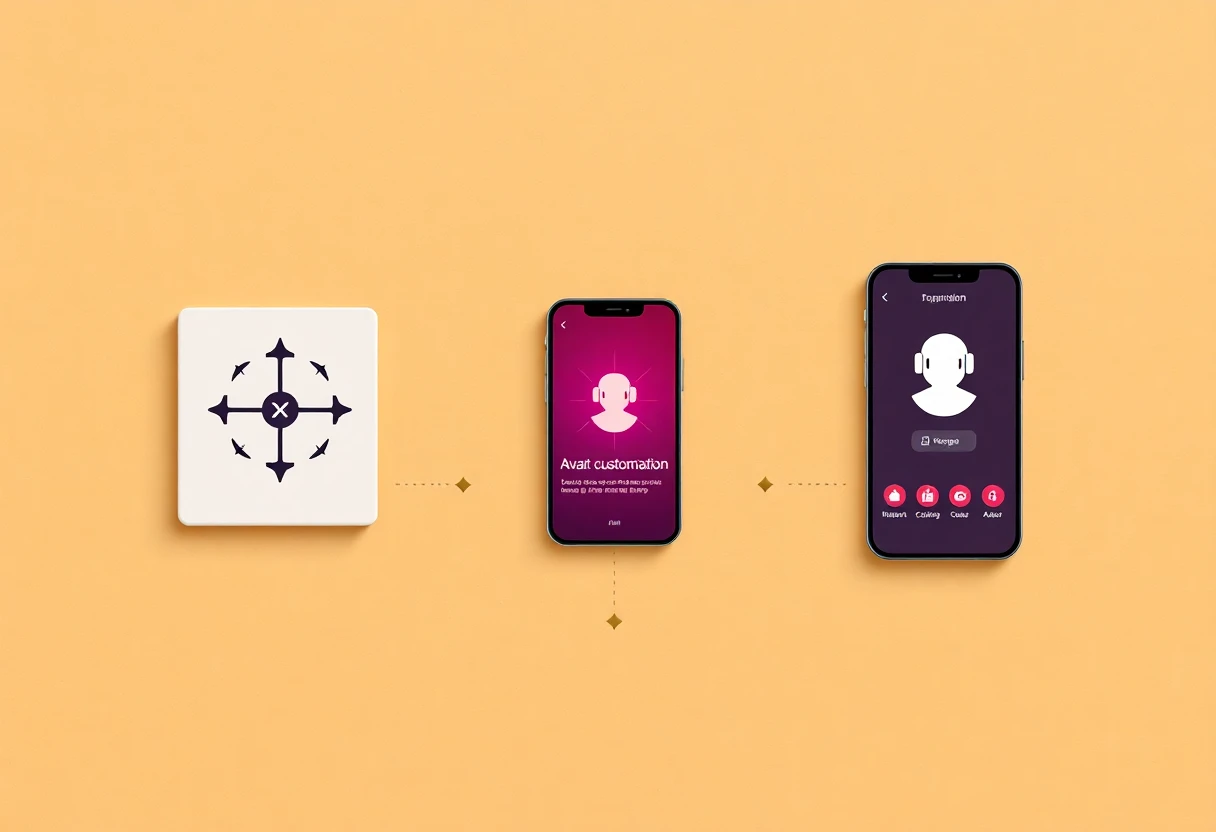
Android performance tools: bigger claims, thinner proof
Android gives utility apps more room to interact with device settings, but that does not make every booster effective. The supplied descriptions promise performance gains, yet they do not provide benchmark results, supported-device lists, app sizes, permissions, or subscription prices. Treat the claims as features to test, not results already proven.
Game Booster & GFX
Nytrix is the broadest performance pitch in the list: one-tap boosting, RAM cleanup, FPS improvement, ping stability, faster cooling detection, and a claim that it can help with overheating and lag. That breadth is useful if your Android phone struggles across several areas, but it also makes the listing harder to verify because no benchmark, supported-device list, rating count, price, or permission summary is supplied. I would test it cautiously and compare the same game before and after, rather than assuming the one-tap button changed anything. Best for an Android player dealing with several symptoms at once, especially heat and frame drops.

GFX Tool Pro
GFX Tool Pro: Launcher & 90FPS is more specific than Nytrix about its pitch: it presents itself as a game launcher and graphics optimiser with AI-powered tools, including a stated 90FPS focus. The problem is that the listing does not confirm which games or devices support that frame rate, and it gives no price, rating, app size, or permission information. A 90FPS label is not proof that a budget phone can sustain 90 frames. Best for an Android owner with a high-refresh display who is prepared to verify results in-game rather than trust the headline.

Game Booster Ultra
Game Booster Ultra: GFX & EQ is the most organised Android concept here. It combines a game library, direct launching, device-status checks, suggested actions, shortcuts to Android settings, and audio customisation. That is more practical than a single vague boost button, but the supplied description still does not establish whether the app improves FPS, reduces latency, or costs anything. The EQ feature also makes it broader rather than necessarily better for competitive play. Best for an Android user who wants one dashboard for launching games, checking device conditions, and reaching relevant system settings.

Nytrix has the widest promise, GFX Tool Pro has the clearest performance target, and Game Booster Ultra has the most useful organisational structure. None supplies the independent measurements needed to crown a universal winner. That is the uncomfortable truth about this category: a cleaner settings workflow may help more than an app claiming to fix every problem in one tap.
The verdict
Pick Only Red if you play on iPhone, care about aim consistency, and want sensitivity, DPI, and GFX settings gathered in one place. It is the most focused companion in the list. Pick Nytrix if you use Android and your main symptoms are heat, RAM pressure, frame drops, and unstable performance; just test the result instead of accepting the marketing claim.
For a safer, more transparent workflow, GFX Tool - Game Booster is my alternative pick because it explicitly says it does not modify the game and simply helps you prepare presets. Skip the avatar makers and standalone games unless customisation or casual play is the actual goal. The hunt for great apps ends here, but the same rule applies to photo utilities: compare the evidence before installing the loudest promise, starting with The Photo Restoration Apps Worth Keeping in 2026.


